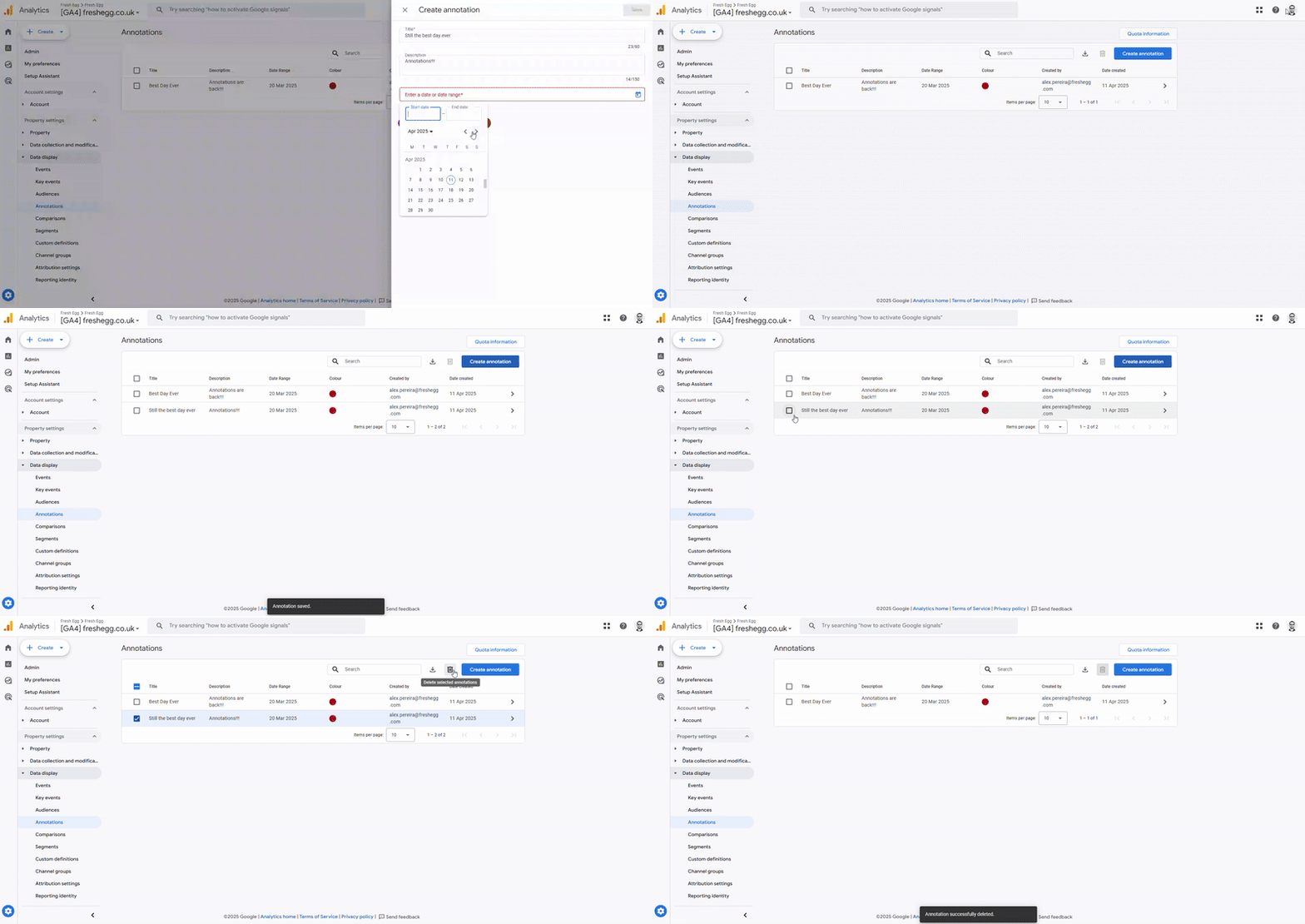
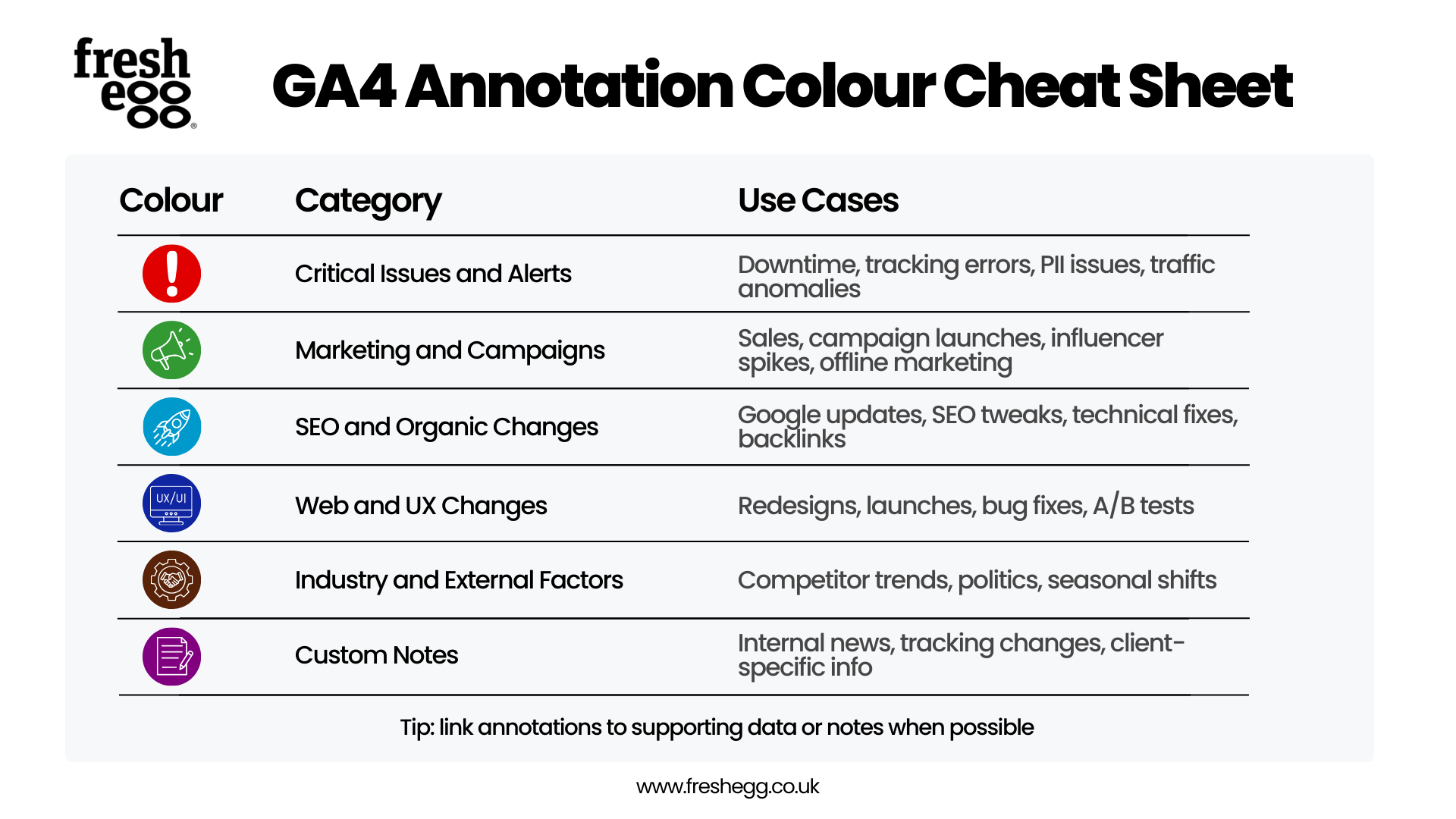
You might now be thinking about how time-consuming it could be to change single annotations across GA4 properties (e.g., changing the colour categories).
Can we do this more efficiently using the API via Google Sheets? The good news is that it's 100% possible! Follow the Google documentation here.
If you have the skills, you can build a tool yourself. However, if this seems too complex, don't worry; we are working on an easy-to-use tool to do this. Once we have tested it thoroughly, we'll update the blog and publish a how-to.
Update
The analytics community strikes again! The talented Steve Lamar of ReallyGoodData created and published a Google Sheets add-on that allows you to perform a bulk upload. It's called GA4 Bulk Annotation Wizard and is available to download from the Google Marketplace. I've included a short demo of how easy it is to use and the steps to set it up for the first time.
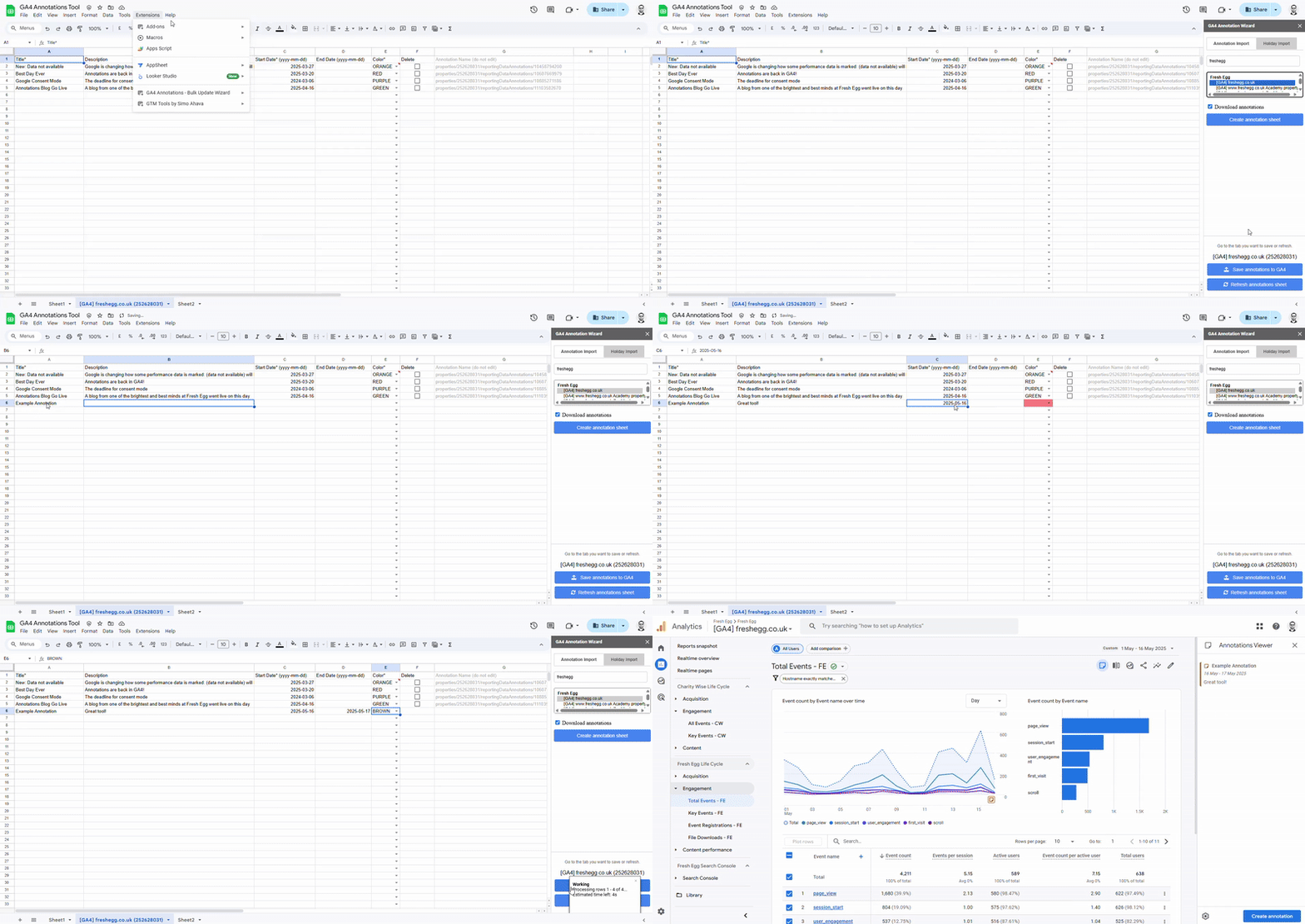
Download the add-on from the Google Workspace Marketplace
In Google Sheets: Extensions > GA4 Annotations Wizard > Open
Select the property you want to add annotations to and click "create annotation sheet"
Fill out the fields for title, description, start and end date, and select a colour.
Click "Save annotations to GA4"
Head over to GA4 to see your annotations.
It's as simple as that! The tool also has some additional functionality to upload public holidays, refresh annotations, and download existing annotations.