Local SEO reporting: what to measure and how to prove it’s working
- Published
- 19 October 2026
- Read time
- 7 minute read
The local SEO metrics that matter, from Google Business Profile and Search Console to call tracking and AI visibility, and how to connect local search to revenue.
 Tom Light
1.Introduction
Without proper local SEO reporting, you’re guessing that local visibility makes money. Plenty of businesses track rankings and profile views but never connect them to the calls, visits and sales that actually matter. This post covers the metrics worth tracking, where to find them, and how to build reporting that shows exactly where local search adds value.
This blog is part of our guide to how to do local SEO.
2.Why local SEO reporting is harder than it looks
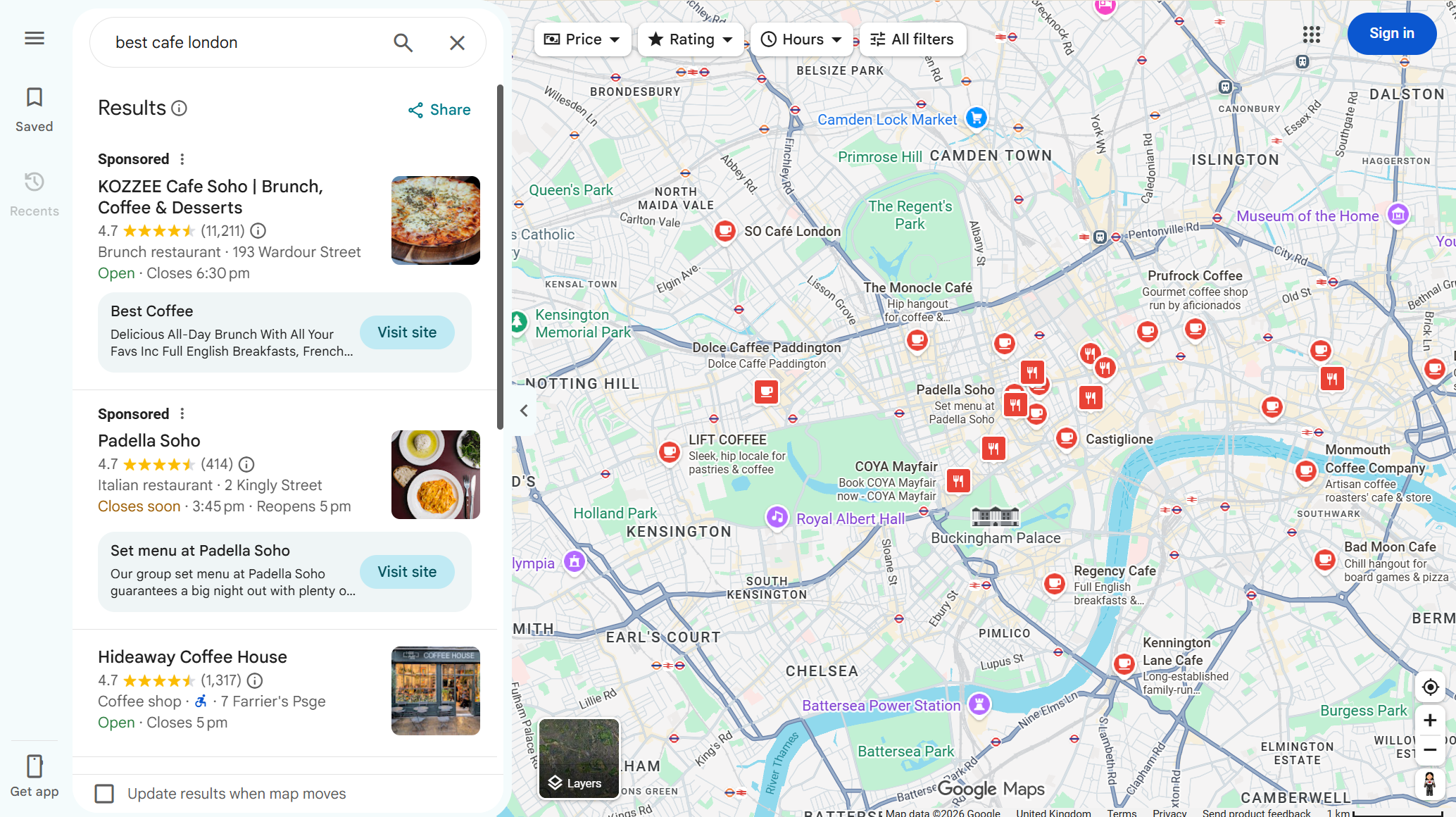
Visibility is scattered. Customers find you through Google Search, Maps, Google’s AI results, Apple Maps, social, directories and AI assistants, often using several in the same search. Your data lives in just as many places.
The journey crosses online and offline. Someone might find you in Maps, call from their phone and buy in store.
Consent and cookies limit what you can see. Not every visit is tracked, so understand your blind spots.
Some visibility never touches your website. A customer can get your hours from an AI answer in Maps and call you directly.
Get reporting right, and it helps you:
Measure visibility across search, maps and other channels
Measure engagement such as profile interactions, reviews and website visits
Track conversions such as calls, bookings, forms and orders
Attribute results back to local search
Compare locations to see which branches perform best and why
Prove value in the metrics the board and finance team care about
3.The key metrics for local SEO reporting
Google Business Profile Performance
Business Profile performance reporting shows how people find and interact with each profile. Depending on your business type, it includes:
Searches: the queries that surfaced your profile
Views: people who viewed your profile on Search and Maps
Interactions: the total of all actions on your profile
Calls: clicks on the call button
Directions: direction requests
Website clicks: clicks through to your website
Messages: where messaging is available
Bookings
Food orders and menu clicks: for restaurants and takeaways
Products: views of product listings
Offers: views and clicks on offers
Only relevant metrics appear. Report on all the relevant ones by location, and export them regularly to track trends.
Google Search Console
Filter Search Console by location page (or a /locations/ folder) to track:
Impressions: how often your pages appeared
Clicks: how often people clicked through
CTR: a good indicator of how compelling your titles and descriptions are
Average position: where pages typically rank for local queries
Queries: the searches driving visibility for each location page
Search Console also includes visibility in Google’s AI features, with AI Mode counted in overall totals and a dedicated report on generative AI features. Keep this in mind when comparing periods, and add AI visibility to your local reporting.
Search Console covers organic results. Local pack and Maps interactions mostly show up in Business Profile performance, so you need both.
Google Analytics 4
Organic sessions, as a baseline
Top landing pages, to compare location pages for traffic, engagement and conversions
Key event (conversion) rate for each location page
Business Profile traffic, tracked separately (see below)
Tag your Business Profile links. Add UTM parameters to each profile’s website link, for example utm_source=google&utm_medium=organic&utm_campaign=gbp-southampton. Without them, profile traffic blends into general organic traffic.
Track every conversion that matters: website calls, bookings, forms, click-and-collect, direction clicks and purchases. If they’re not set up as key events, they don’t exist in your reporting.
For more on GA4’s limits, see the trouble with letting GA4 watch your data for you.
Call tracking
Calls are often the most valuable local conversion, and GA4 can’t track them on its own.
On your website, dynamic number insertion shows different numbers by source, so you can see which calls come from local search.
On your Business Profile, use a tracking number as the primary number and keep your main number as an additional one. You can measure calls without breaking NAP consistency.
Good call tracking also records duration, missed calls and outcomes.
Rankings and visibility
Local results change with the searcher’s location, so use grid-based rank tracking and track:
Local pack and Maps visibility for priority keywords
Organic rankings for location pages
Share of visibility against key competitors
Presence in Google’s AI results for local queries
Reviews
Customers pay most attention to recent reviews, so report on recency alongside rating. For each location, track:
Average rating
Total reviews and new reviews per month
Response rate and average response time
Sentiment and recurring themes
AI visibility
With around 30% of UK Google searches showing AI Overviews and AI assistants used more and more for recommendations, AI visibility belongs in local reporting. Alongside Search Console, run a fixed set of test prompts across ChatGPT, Gemini and Google’s AI results each month:
Does each location appear?
Are address, hours, phone and services correct?
Which sources are cited?
AI answers vary between sessions and users, so treat this as a trend indicator, not a precise ranking.
4.How Fresh Egg approaches local SEO reporting
We build local SEO reporting around one question: what is local search doing for the business?
Tracking local visibility
We track rankings and placements (local pack, Maps, organic and AI results) for each location page. We segment by keyword, location and device, and benchmark against competitors.
Monitoring impressions, interactions and referrals
Impressions: where local audiences see your brand, across search, maps, directories and social.
Interactions: how people engage, from Business Profile actions to reviews and social.
Referrals: where people click through to your location pages, from profiles, directories, review sites and local press.
This shows which keywords, placements and listings drive meaningful engagement, so you can prioritise what performs.
Attributing conversions and revenue
This is where most local reporting falls short. We single out the actions that drive revenue:
Website visits that convert
Calls from profiles, the website and directories
Direction requests
Bookings and online orders
Form submissions
Messages
Reviews
Then we combine Search Console, GA4, Business Profile data, call tracking and, where possible, CRM or sales data, so local search is judged on the metrics that matter commercially. It’s the same thinking behind finding out which channels are actually earning their budget.
Automating reports and alerts
Manual reporting across dozens of locations eats time and misses things. We automate data collection and alerts so issues surface early, such as a Business Profile edit you didn’t make, a sudden drop in calls at one branch or a run of negative reviews. That means acting before problems affect rankings, and spotting opportunities before competitors do.
Location-level insight
For multi-location brands, the value is in comparison: search demand by area, which branches convert visibility best, top products or services by location and seasonal patterns between sites. Those insights feed decisions beyond SEO, from staffing and opening hours to where to open next.
5.Conclusion
Local SEO reporting needs to join up Business Profiles, Search Console, GA4, call tracking, reviews and AI tools, by location, and connect them to conversions and revenue. Tag your profile links, track calls properly, report on review recency and measure AI visibility.
Not sure what local search is doing for you?
We build local SEO reporting that connects visibility to the calls, visits and revenue each location generates. No more guessing. Just clear, location-by-location insight you can take to the board.